AI’s changed how digital images get created, edited, adapted. No more relying purely on traditional photography, illustration, graphic design software.
Describe an idea in plain language now, get a visual representation back. Made image creation genuinely accessible. Also opened real questions — accuracy, creativity, copyright, responsible use.
Text-to-image tech’s one of the most visible applications of generative AI. A written description becomes the starting point for an image. Explore visual ideas, no mastering advanced design tools first.
What Text-to-Image AI Actually Is
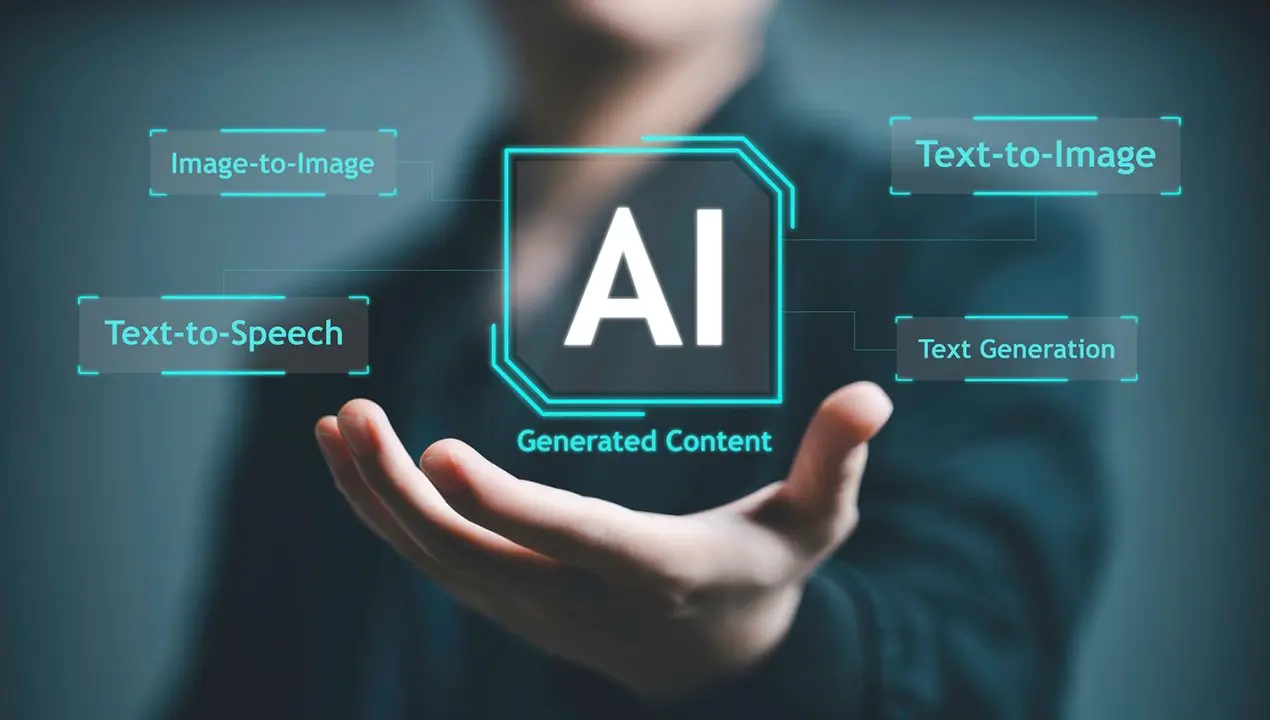
A text-to-image system converts a written prompt into visual output. Short prompt — “a mountain landscape at sunrise.” Or much more detailed — subjects, composition, lighting, colors, artistic style, relationships between objects, all specified.
Modern systems train on huge collections of image and text info. During training, models learn statistical relationships between language and visual concepts.
Give it a prompt, system interprets those concepts, generates an image trying to match.
Not searching a database for an existing picture. Generative models use learned patterns to construct new visual outputs instead. Underlying tech varies between systems, but diffusion-based approaches have become genuinely important in modern image generation.
How AI Actually Turns Words Into Pictures
Starts with the user’s instructions. A prompt identifies the main subject, environment, perspective, lighting, mood, desired visual treatment. System processes those instructions, converts the language into something guiding image generation.
A lot of modern image models use noise and progressive refinement. Simplified — the system works toward a coherent image by repeatedly improving visual information until the result matches the requested concept.
That’s exactly why detailed prompts often produce more controlled results.
Instead of “a city,” describe a rainy downtown street at night, street-level view, reflections on the pavement, warm lights from nearby buildings. Extra info gives the model a lot more context about the intended scene.
Why Prompt Writing Genuinely Matters
Quality of an AI-generated image ties to how clearly the request communicates the desired result. Prompt writing’s becoming a genuinely important creative skill because of it.
A useful prompt covers the subject — what should actually appear. The setting — where the scene’s happening. Composition — how subjects should be positioned. Lighting — bright, dramatic, soft, natural.
Style — photography, illustration, painting, another visual approach. Format — square post, portrait layout, presentation, landscape display.
More words don’t automatically produce better results, though. Unnecessary details make a prompt harder to interpret.
Effective prompting’s usually about providing what actually matters to the intended image. Nothing more.
AI Image Generators and Creative Workflows
AI image generation fits into a lot of different creative processes. Writers use generated visuals developing story concepts. Educators explore illustrations for learning materials. Designers experiment with early concepts before building a finished design.
For anyone exploring this, an AI image generator from text offers a genuinely straightforward way to turn written concepts into visual experiments. Real distinction worth holding onto — generated images work as starting points. Not automatically finished creative assets.
Image generation’s increasingly connected with editing too. Instead of creating a completely new picture every time, provide an existing image, describe the changes wanted.
Modern systems handle modifying backgrounds, changing objects, adjusting visual styles, preserving important elements while making targeted edits.
OpenAI’s current image-generation documentation, for instance, describes workflows accepting both text and image inputs.
Understanding GPT Image 2.5
Recent developments have focused on making image models better at following complicated instructions, maintaining consistency during editing.
GPT Image 2.5, for instance, includes improvements aimed at sharper details, more precise editing, faster generation, better preservation of subjects from reference images.
Genuinely useful when a project needs multiple versions of a visual. Instead of starting from the beginning again, make incremental changes to an existing result instead. A GPT Image 2.5 AI image generator fits inside a broader workflow, where generation and revision happen together.
This multi-step approach matters because creative projects rarely reach their final form with one single prompt. A first image might have the right composition, wrong lighting.
Another version’s got the right colors, needs the background changed. Iterative editing lets a creator gradually move toward the desired result. Step by step.
Real Limitations and Responsible Use
For all the progress, AI image generation isn’t perfect. Models misunderstand complicated instructions, introduce unwanted details, produce inaccurate visual information sometimes. Complex layouts, precise object counts, relationships between multiple objects — genuinely still challenging for generative systems.
Worth considering ownership, licensing, privacy, authenticity when using generated imagery too. An image for a personal experiment carries different considerations than one used in commercial publishing, journalism, education, advertising.
Transparency’s another real issue. When an AI-generated image could reasonably get mistaken for a photograph or documentary record, identifying its synthetic origin helps audiences understand what they’re actually looking at.
Where AI-Generated Images Are Actually Headed
AI image generation’s moving from novelty toward a genuinely practical part of digital creativity. Better prompt understanding, image editing, reference-image consistency, generation speed — all of it’s making these systems easier to fold into everyday workflows. Current image models are also getting developed for creative content, visual prototyping, product experiences, other professional uses.
Most useful way to understand this tech isn’t as a replacement for every traditional creative method. It’s another tool for developing ideas. Human judgment still matters, deciding what an image should communicate, whether the result’s accurate, how it should get edited, where it’s actually appropriate to use.
As these systems keep improving, describing, evaluating, refining, and responsibly using generated visuals might become just as important as the technology itself.